
Occupancy and docks
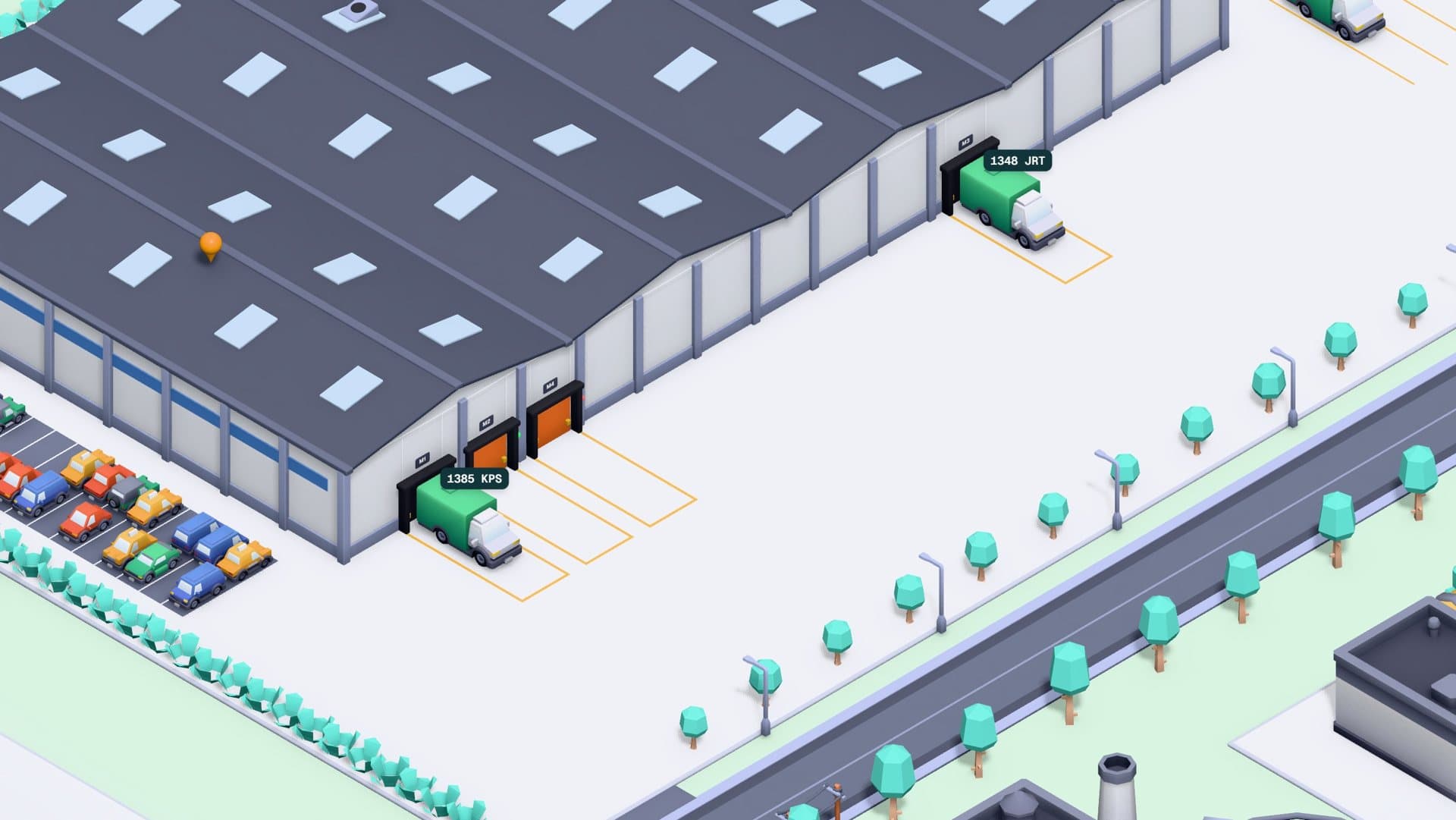
Occupied slots, today's receipts, dispatches and appointments, and each dock with its traffic light: free, with a truck or blocked.
Warehouse
The warehouse home screen draws your building with its zones, docks and slots from your company's data: trucks arriving and docking, one package per stock item and forklifts replaying stock movements.
The home screen
Occupied slots, today's receipts, dispatches and appointments, and each dock with its traffic light: free, with a truck or blocked.
A slot shows its stock, a dock its appointments and a pallet the traceability of its movements.
Pallets are coloured by their customs or tax status or by their depositor.
Goods receipt
Customs status
Floor plan editor
The editor shows the building from above, at a one-metre scale. You move and resize the building, zones and docks with snap-to-grid, and undo or redo whatever you need.
While you draw, live validation prevents saving serious overlaps or elements outside the building, and a 3D view shows the result. A zone's racking is generated by entering rows, bays and levels.
Good to know
Continue with
A control tower with every operation, its status and its real route by sea and road.
Import declarations and tariff classification by territory, with full history.
Built-in and custom reports, exportable and scheduled, within each user's permissions.
We'll draw a sample plan similar to your building with you and show you the 3D home screen.